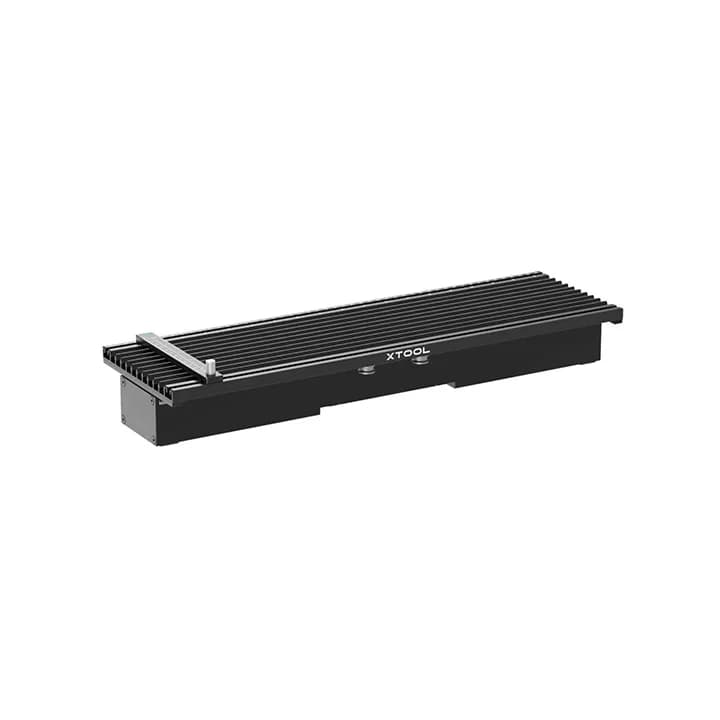
XTOOL/F1 SLIDE EXTENSON TRAY
₱10,995
Key Specifications:
| 4X Larger Working Area | Expands the original 115x115mm engraving space to a total of 115x400mm. |
| Automatic Material Feeding | With a simple push, the slide extension automatically moves to engrave or cut the entire design. |
| Precision Alignment Tools | Includes scale rulers with both millimeter and inch metrics |
| Optimized Cutting Panel | The design provides enough space underneath materials |
1
General
BrandxTool (Makeblock).
PurposeExpands the engraving area from a 115 x 115 mm square to a 115 x 400 mm rectangle.
CompatibilityDesigned for xTool F1, xTool F1 Lite, and the xTool F2 series.
Print & Motion Specifications
Expanded Working Area115 mm x 400 mm (4.53" x 15.75").
Motion Accuracy±0.01 mm for seamless design stitching.
Max Moving Speed160 mm/s.
Processing SpeedMaintains the F1's native engraving speed up to 4000 mm/s
Scan & Alignment Specifications
CalibrationRequires a one-time alignment in software by matching laser dots and rulers.
Smart FramingSupports both outline and frame previews; a manual knob on the extension allows users to move the tray to preview the entire 400mm length.
FocusingSupports the F1’s manual and auto-focus systems (red/blue dot convergence).
Paper & Material Handling
Material CompatibilityWorks with over 500 materials, including wood, acrylic, leather, and various metals.
Fixation ToolsIncludes 5 material clamps (2 edge clamps and 3 versatile clamps) to secure various shapes and thicknesses.
Cutting PanelFeatures a grid-like design underneath the material to provide airflow for cleaner laser cuts.
Connectivity
Direct ConnectionPlugs into the xTool F1 via a dedicated mini-USB data cable; it does not require an independent power supply.
United ModeOnce connected, the F1 automatically recognizes the extension within the software
Physical Specifications
Dimensions560 mm x 180 mm x 55 mm.
Weight2.6 kg (unit only); shipping weight is approximately 3.55 kg.
RulersDual-metric scale rulers (mm and inches) are printed directly on the tray for precise physical-to-software coordinate matching.
System Requirements
SoftwareRequires xTool Creative Space (XCS) for full feature integration and easy calibration.
OS SupportCompatible with Windows, macOS, iPadOS, iOS, and Android through the XCS app
The xTool F1 Slide Extension Tray is a pre-assembled, plug-and-play accessory that dramatically increases the working area of the xTool F1 laser engraver. It allows the F1 to process longer materials and engrave multiple items simultaneously, significantly boosting efficiency for small businesses and personalized product creation. The tray features precise scale rulers and integrated clamping systems for perfect material alignment and stability.
More from Cutter Plotter
View all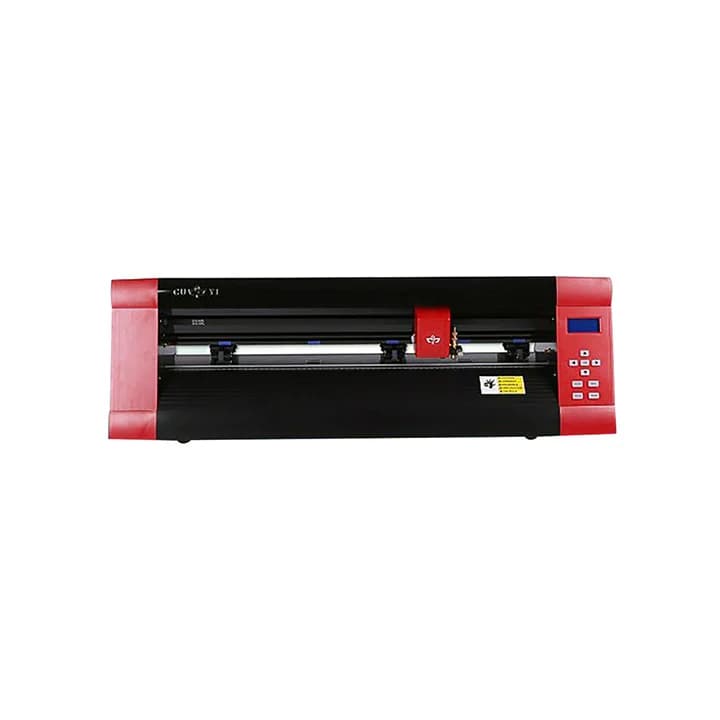
Cuyi Cutter Plotter MK630 24 inches Red
| Manual Contour Cutting | Specialized for manual precision cutting of printed stickers |
|---|---|
| High Performance | Features a high-speed stepping motor and micro-step driver |
| Anti-Deviation Design | Integrated grit rollers and wider pinch rollers |
| Connectivity | Supports both USB and Serial port interfaces |
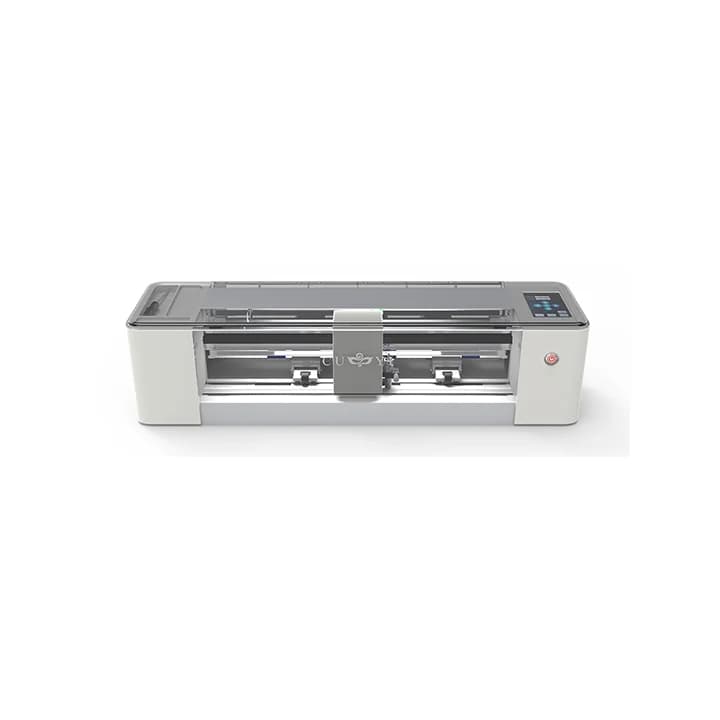
Cuyi Cutter Plotter A3 White LA300T
| Automatic Contour Cutting: Features a camera sensor for automatic detec… | |
| High Performance | Offers a maximum cutting speed of 800 mm/s and a maximum cutting force… |
|---|---|
| Intuitive Interface | Equipped with a 3.5-inch LCD touchscreen control panel |
| Precision Engineering | Utilizes three pitch rollers for better material grip and flawless feed… |
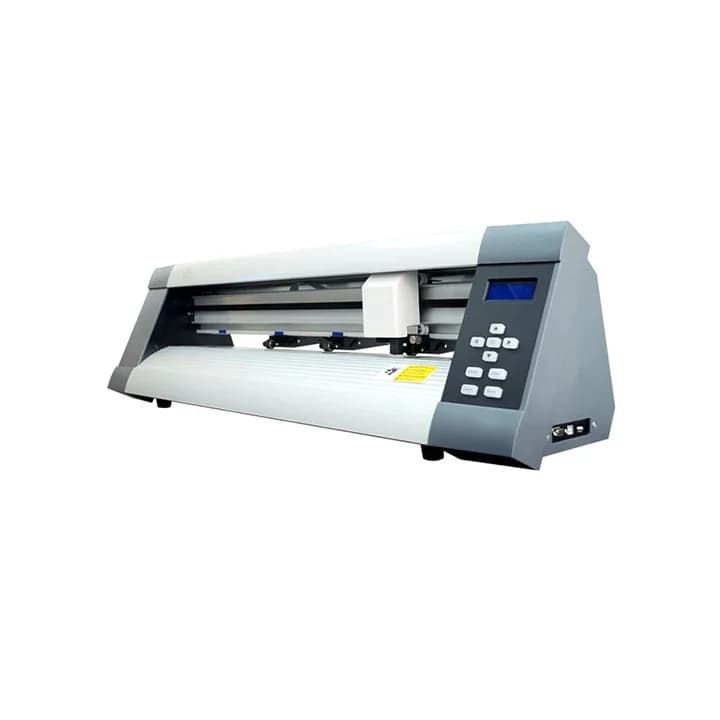
Cuyi Cutter Plotter 24INCH MC630 Silver W/Auto Contour Cutting
| Automatic Contour Cutting: Equipped with a high-definition optical sens… | |
| Large Memory Cache | Includes 64MB (or 128MB in 2026 variants) of internal memory |
|---|---|
| High Force & Speed | Delivers up to 500g of cutting pressure and 800mm/s speed |
| Precision Tracking | Features high-precision steel grit rollers and adjustable pinch rollers |
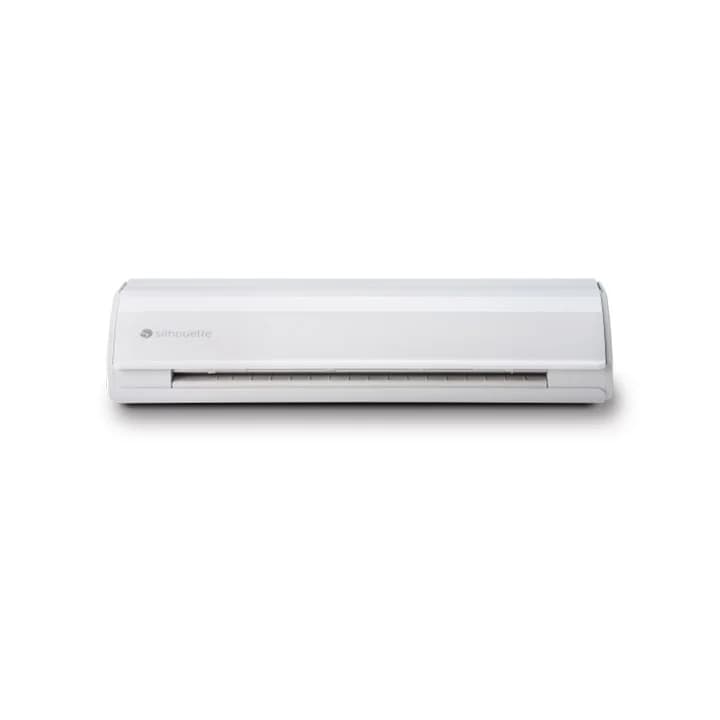
Silhouette Cameo 5 White
| Ultra-Quiet Operation | The redesign of the motor and chassis significantly reduces operational… |
|---|---|
| Intelligent Path Technology (IPT): Automatically manages the cutting or… | |
| High Force & Speed | Offers up to 300gf of cutting force on carriage 1 and a powerful 5kgf o… |
| Matless Cutting | Allows "kiss-cut" for vinyl and heat transfer, and "pop-out" cutting fo… |
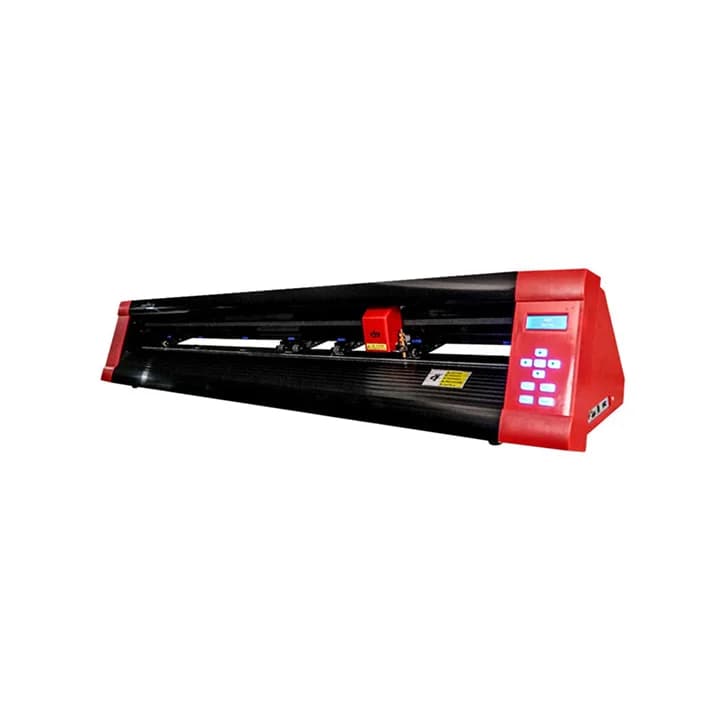
Cuyi Cutter Plotter MK-1200 48'' with stand
| Large Format Cutting | Offers a maximum cutting width of 1200mm |
|---|---|
| High Efficiency & Speed | Capable of cutting at speeds up to 800 mm/s with high force |
| Dual Connectivity | Equipped with both USB 2.0 and serial ports |
| Software Compatibility | Often bundled with Sign Master V3 software and supports CorelDraw files |
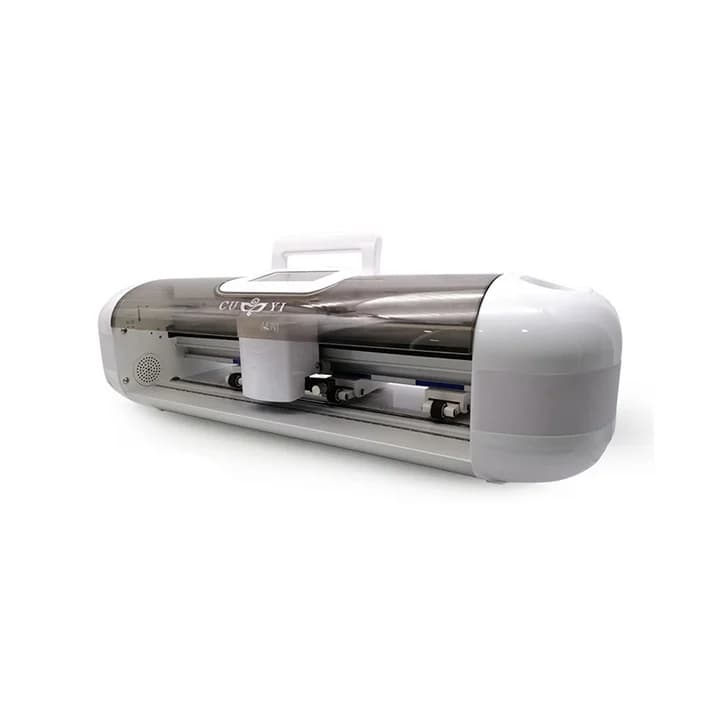
Cuyi Mini Cutter Plotter
Cuyi Cutter Plotter MK630 24 inches Red
| Manual Contour Cutting | Specialized for manual precision cutting of printed stickers |
|---|---|
| High Performance | Features a high-speed stepping motor and micro-step driver |
| Anti-Deviation Design | Integrated grit rollers and wider pinch rollers |
| Connectivity | Supports both USB and Serial port interfaces |
Cuyi Cutter Plotter A3 White LA300T
| Automatic Contour Cutting: Features a camera sensor for automatic detec… | |
| High Performance | Offers a maximum cutting speed of 800 mm/s and a maximum cutting force… |
|---|---|
| Intuitive Interface | Equipped with a 3.5-inch LCD touchscreen control panel |
| Precision Engineering | Utilizes three pitch rollers for better material grip and flawless feed… |
Cuyi Cutter Plotter 24INCH MC630 Silver W/Auto Contour Cutting
| Automatic Contour Cutting: Equipped with a high-definition optical sens… | |
| Large Memory Cache | Includes 64MB (or 128MB in 2026 variants) of internal memory |
|---|---|
| High Force & Speed | Delivers up to 500g of cutting pressure and 800mm/s speed |
| Precision Tracking | Features high-precision steel grit rollers and adjustable pinch rollers |
Silhouette Cameo 5 White
| Ultra-Quiet Operation | The redesign of the motor and chassis significantly reduces operational… |
|---|---|
| Intelligent Path Technology (IPT): Automatically manages the cutting or… | |
| High Force & Speed | Offers up to 300gf of cutting force on carriage 1 and a powerful 5kgf o… |
| Matless Cutting | Allows "kiss-cut" for vinyl and heat transfer, and "pop-out" cutting fo… |
Cuyi Cutter Plotter MK-1200 48'' with stand
| Large Format Cutting | Offers a maximum cutting width of 1200mm |
|---|---|
| High Efficiency & Speed | Capable of cutting at speeds up to 800 mm/s with high force |
| Dual Connectivity | Equipped with both USB 2.0 and serial ports |
| Software Compatibility | Often bundled with Sign Master V3 software and supports CorelDraw files |
1